Guest WiFi for your customers, with your brand and kept apart from your business network
Offer your customers WiFi through a welcome page with your brand. Get their contacts and a weekly report, and keep their browsing separate from your registers, cameras and computers.
How your customers connect
The visitor picks your guest WiFi network and follows the steps on your welcome page.
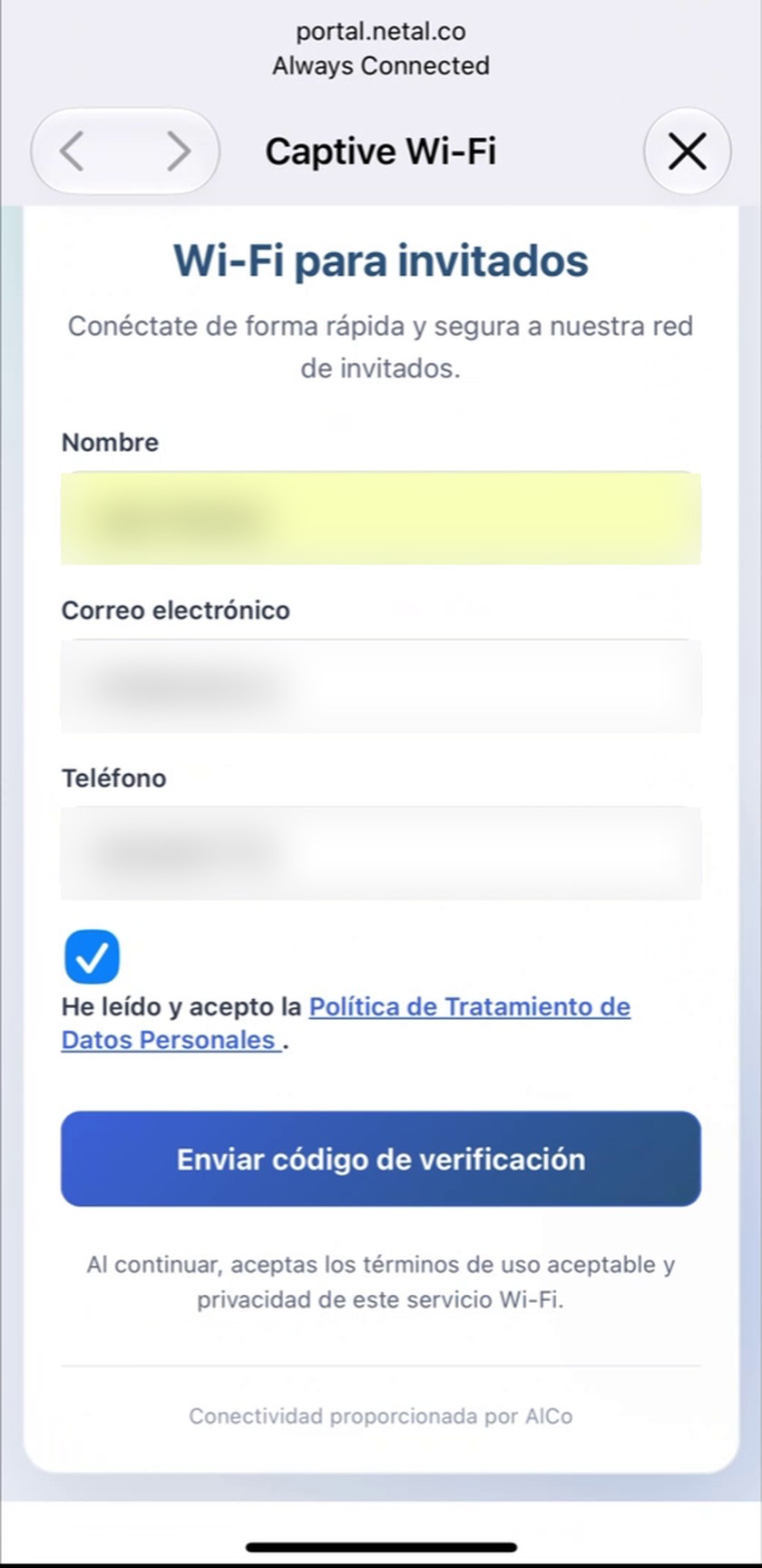
1. They sign up on your portal
They enter their name and email or mobile number, and review how their data is handled.
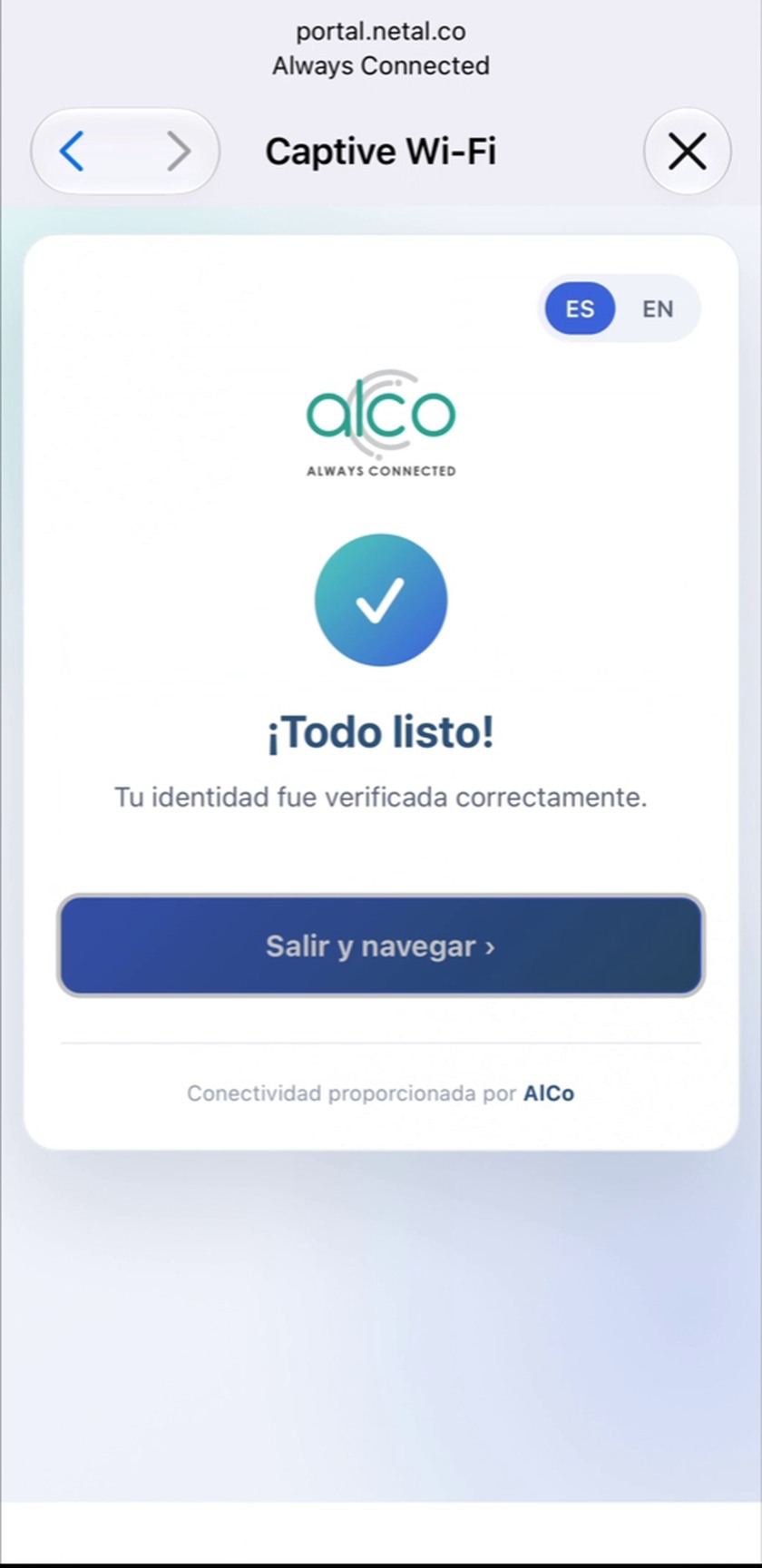
2. They verify
They confirm with a code sent by text message or email, or with your venue's password.
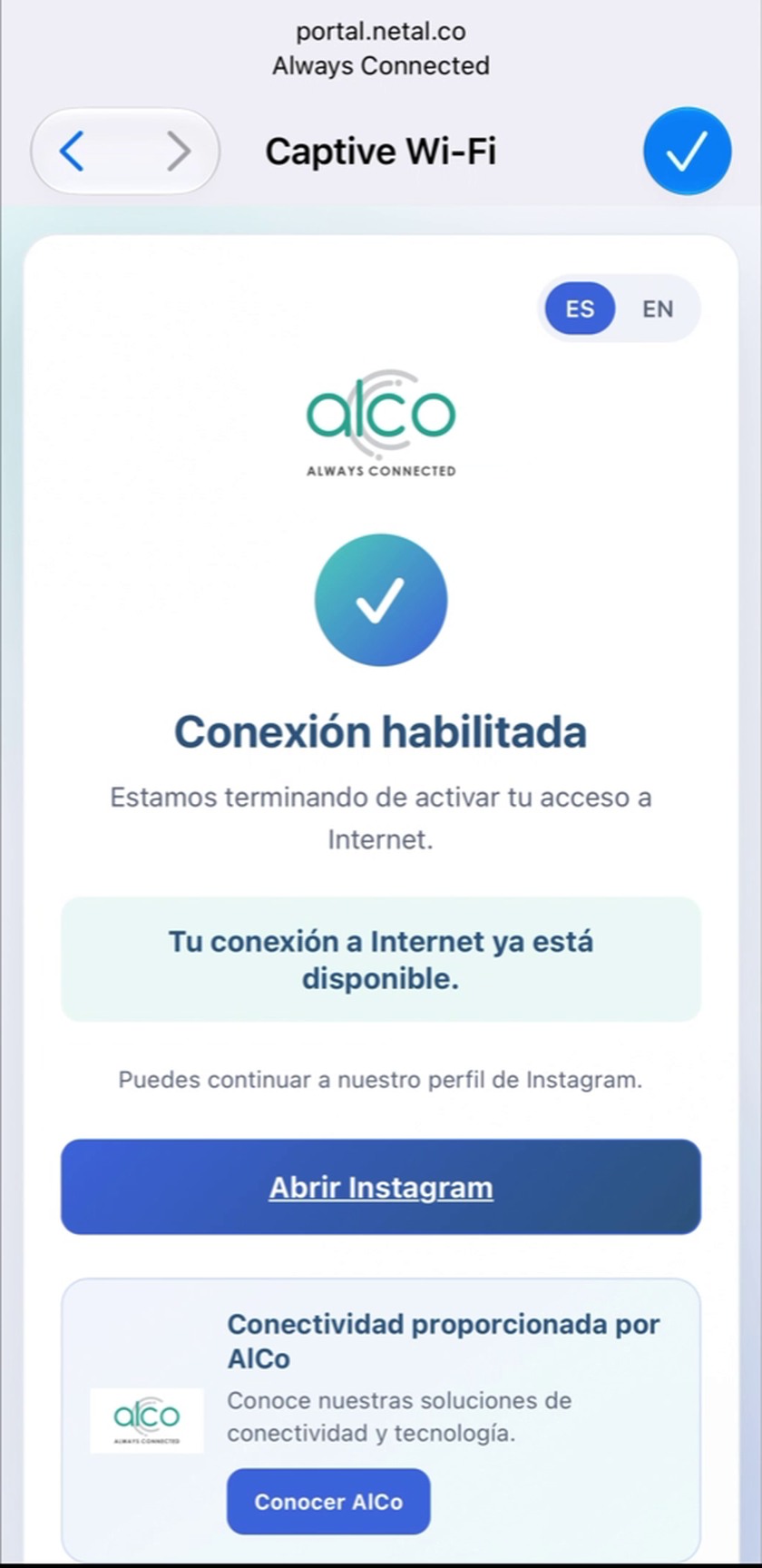
3. They go online
They browse and can continue to your Instagram or any link you choose.
Sample alwaysConnected portal. Yours carries your logo, colors and text, in English and Spanish.
Try it yourself in two minutes
Go through the whole journey from your phone or computer. First you sign up the way a customer at your venue would, and the code arrives in your email. Then you open the dashboard the owner sees, with reports and contacts from a sample restaurant.
The test portal never sends SMS. We use your details to send you the code and may contact you about the service.
What your business gets
Contacts for your marketing
Guests who opt in to promotions appear in your dashboard, ready to export to Excel or CSV and upload to Mailchimp, HubSpot or your CRM.
Weekly reports
Every Monday and on the 1st of each month you get an email with new and returning visitors, plus a PDF.
A separate guest network
Visitors browse on their own network: they never reach your registers, cameras or computers.
A welcome with your brand
Your logo and colors from the very first screen, in English and Spanish.
Your customers' data belongs to you. We process it on your behalf under a signed agreement, with set retention periods and deletion on request from your dashboard (Colombian Law 1581 of 2012). The promotions checkbox is optional: guests get online whether or not they tick it.
Built for restaurants, bars and cafés
For businesses that want to know their customers and invite them back. It also works for clubs, hotels, medical practices, residential common areas and event venues.
Plans and pricing
Launch pricing per location, in Colombian pesos plus VAT. Covers every access point at the location. No minimum term: cancel with 30 days' notice.
Essential
For locations with HPE Instant On access points
COP 130,000 / month
or COP 1,300,000 a year (2 months free) · one-time setup COP 450,000
- Portal with your brand, in English and Spanish
- Sign-up with a code by text message or email, or with a password
- Opted-in contacts, exportable to Excel or CSV
- Weekly and monthly email reports
- 1,000 text messages a month
Pro
For locations with Aruba Instant (AOS)
COP 180,000 / month
or COP 1,800,000 a year (2 months free) · one-time setup COP 950,000
Everything in Essential, plus:
- Time online and data used per visitor
- Session, idle and daily usage limits
- Disconnect a guest from your dashboard
- A secure, isolated link between your location and our server
Setup includes the visit, configuring your equipment and portal, testing, and training your staff. If your equipment isn't compatible, we quote access points separately. Support Monday to Friday, 8 a.m. to 6 p.m. (Bogotá time), by WhatsApp and email.
How we set up your guest WiFi
1. We review your network
We check your access points, router and internet connection, and confirm the right plan.
2. We prepare your portal
With your logo, colors and text, your portal is ready before the installation.
3. We install and hand over
In a 1 to 2 hour visit we configure, test with real phones and walk you through your dashboard.
Your first report arrives the following Monday.
Guest WiFi FAQ
How much does it cost?
Essential is COP 130,000 a month and Pro is COP 180,000 a month, per location, plus VAT. One-time setup is COP 450,000 for Essential and COP 950,000 for Pro. Pay for the year up front and get 2 months free. See plans.
Do I need to replace my current equipment?
Not if your access points are HPE Instant On (Essential plan) or Aruba Instant with AOS (Pro plan). If you have another brand, we review your network and quote the equipment.
Is there a minimum term?
No. Cancel with 30 days' notice. You then have 30 days to export your contacts; after that we delete the data and send you a certificate of deletion.
What do visitors have to provide?
Their name and an email or mobile number, confirmed with a code. The promotions checkbox is optional: guests get online whether or not they tick it, and only those who tick it appear in your export.
Where is my customers' data stored?
On our servers in Bogotá, with an automatic backup copy in Germany so the service keeps running if something fails. You are the data controller and we process the data on your behalf under a signed agreement.
Can visitors reach my cameras or computers?
No. Visitors browse on a network separate from your business network. We set up and test that separation during installation.
Can I limit connection time or speed?
With Pro you set session time, idle time and daily usage, and you can disconnect a guest from your dashboard. With Essential, limits depend on what your Instant On equipment supports.
What support do I get?
Monday to Friday, 8 a.m. to 6 p.m. (Bogotá time), by WhatsApp and email, with a reply within 4 business hours. The service is monitored automatically around the clock.
See how it would work for your business
Book a demo and we'll show you the portal running on a phone.
Request a demo
Tell us about the space you want to connect. In the form, choose "WiFi for my customers (captive portal)" and include your city and type of business.